How to configure profile information

Last update: Wednesday, Jan 12, 2022
Accessing your profile area is very simple:
Click on the Slaask logo at the top right of your account.

Then select
My profiletab
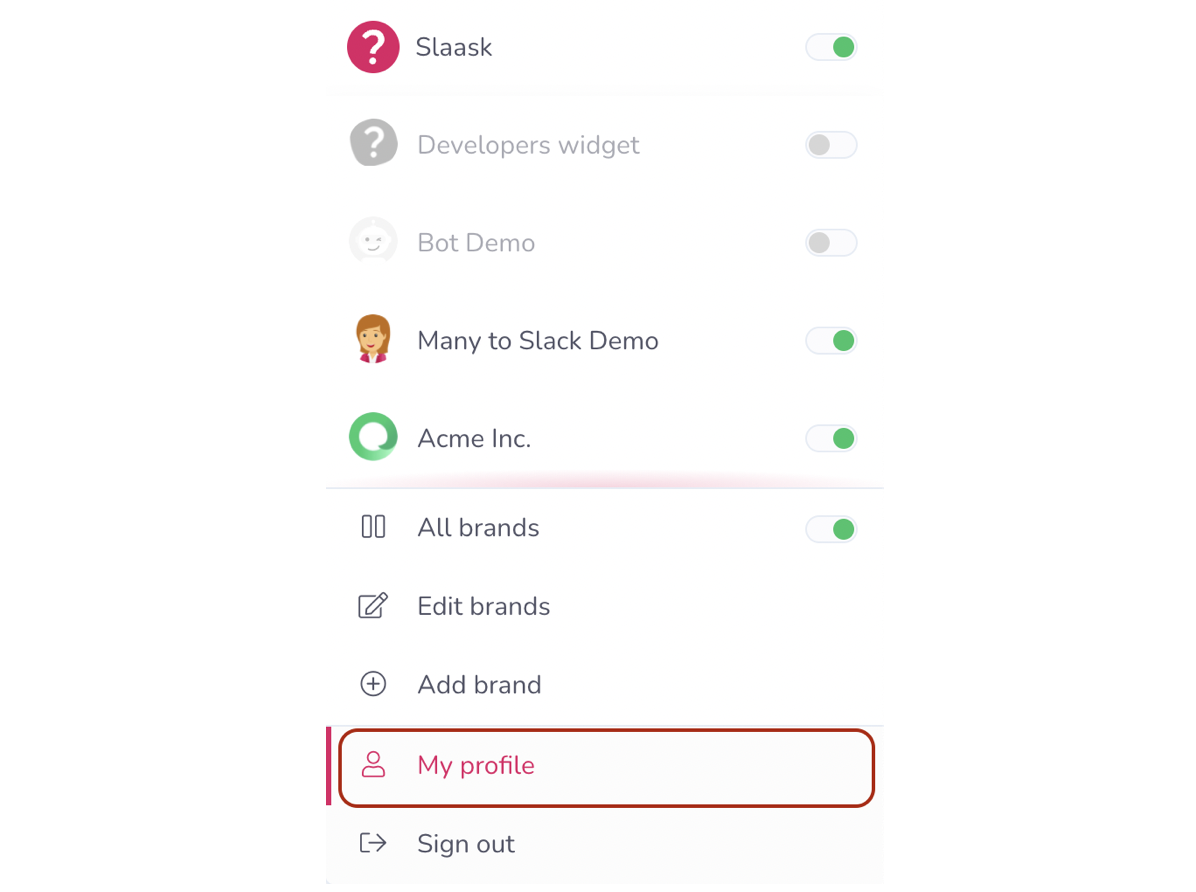
With My profile space, you can manage all aspects of your account! From your avatar to the appearance of your interface!
My details:
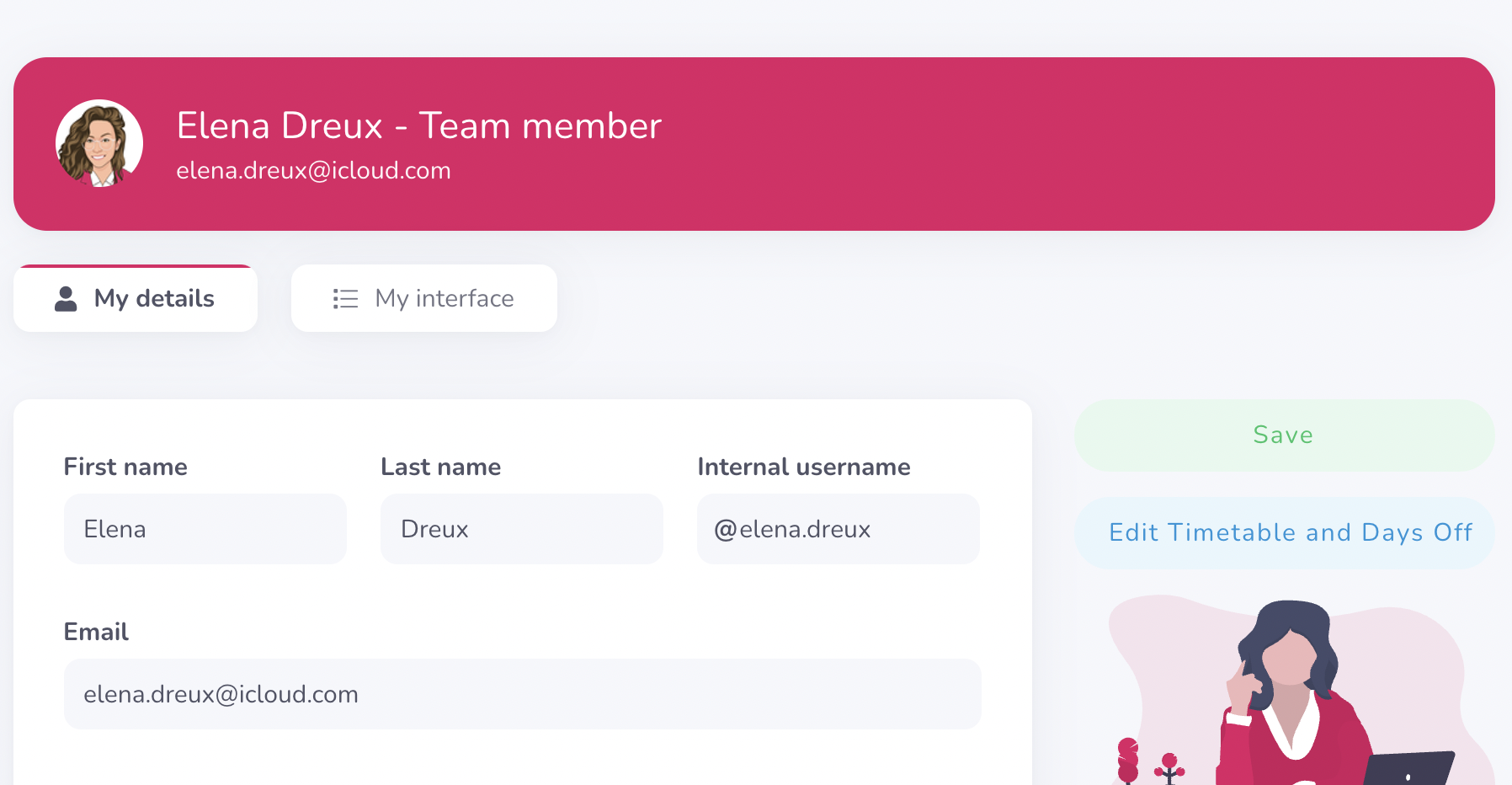
On your personal space you have the possibility to modify your profile information. For example your name, your email, but also your avatar.
For configuring your avatar, you have two options: you can upload an avatar or you can create one using our avatar design feature.

My interface:

On your Interface space, you can change the language of your personal interface. You can use it in over 40 different languages.
You can also change the theme of your interface: you can choose between the light theme and the dark theme.

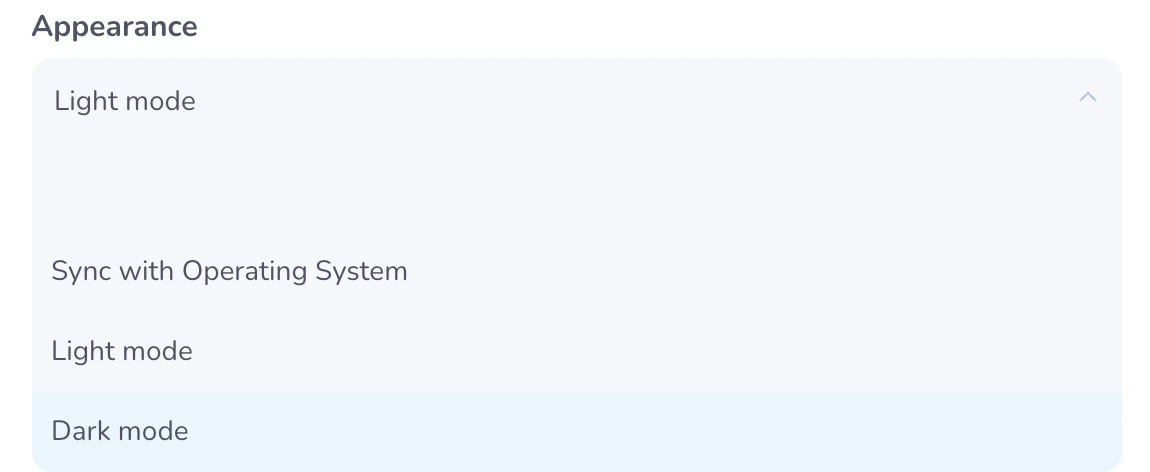
You also have the possibility to personalize your menu, by choosing the elements that you want to display or on the contrary, hide.
Don't forget to save your changes! ✅
Get started
Everything you need to know to get started!
Written by Raphaël Desse and Grace Williamson.